
chat.lorekeeper.com
chat.lorekeeper.com
Step 01
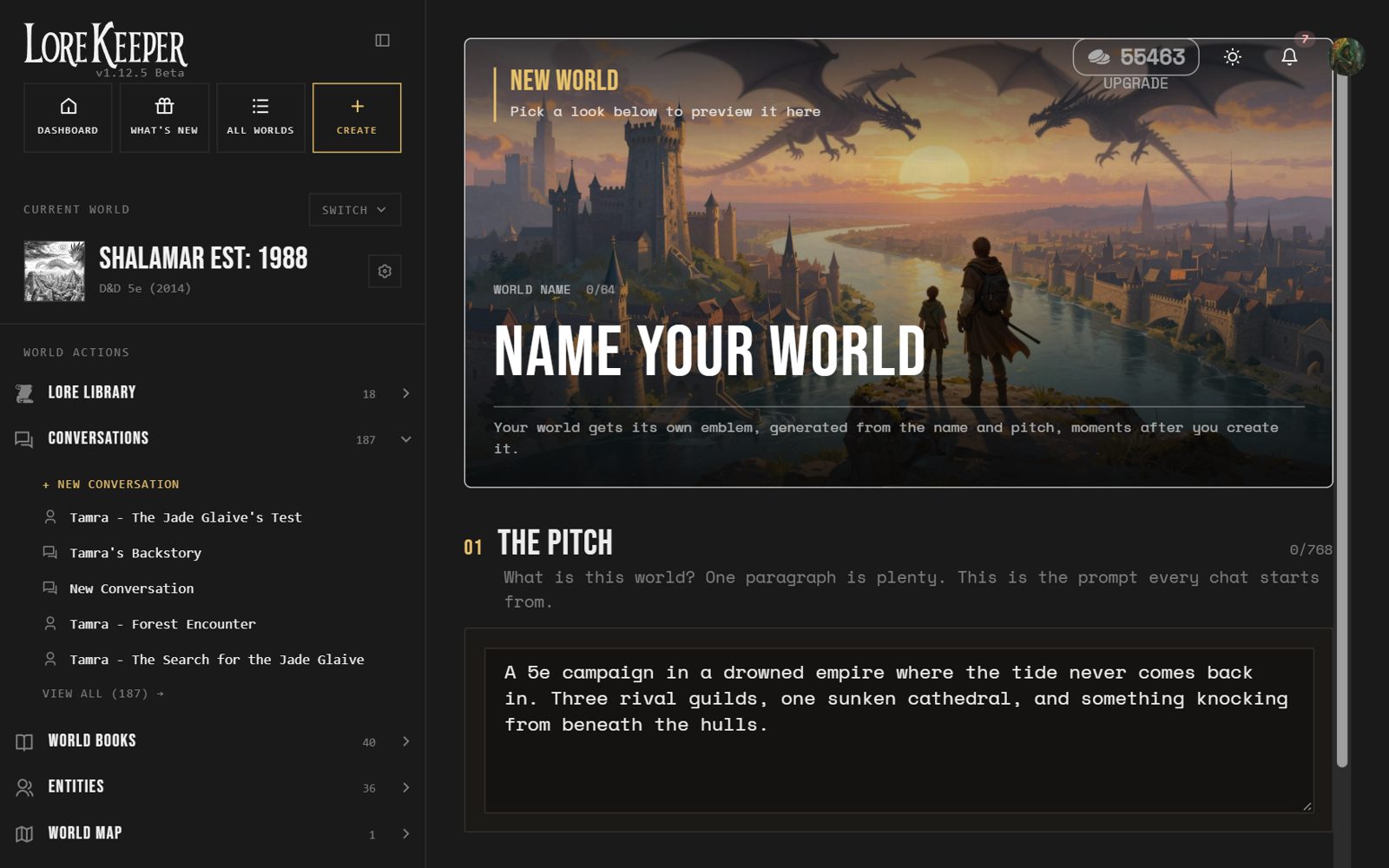
Create a world
Name it, pitch it in a line or two, pick a look and a game system. The world gets its own emblem straight away.
D&D 5e, Pathfinder, Call of Cthulhu, or your own system
Choose an art style by eye: inky, painted, cinematic and more
Start from scratch or drop your notes in as you go
chat.lorekeeper.com
Step 02
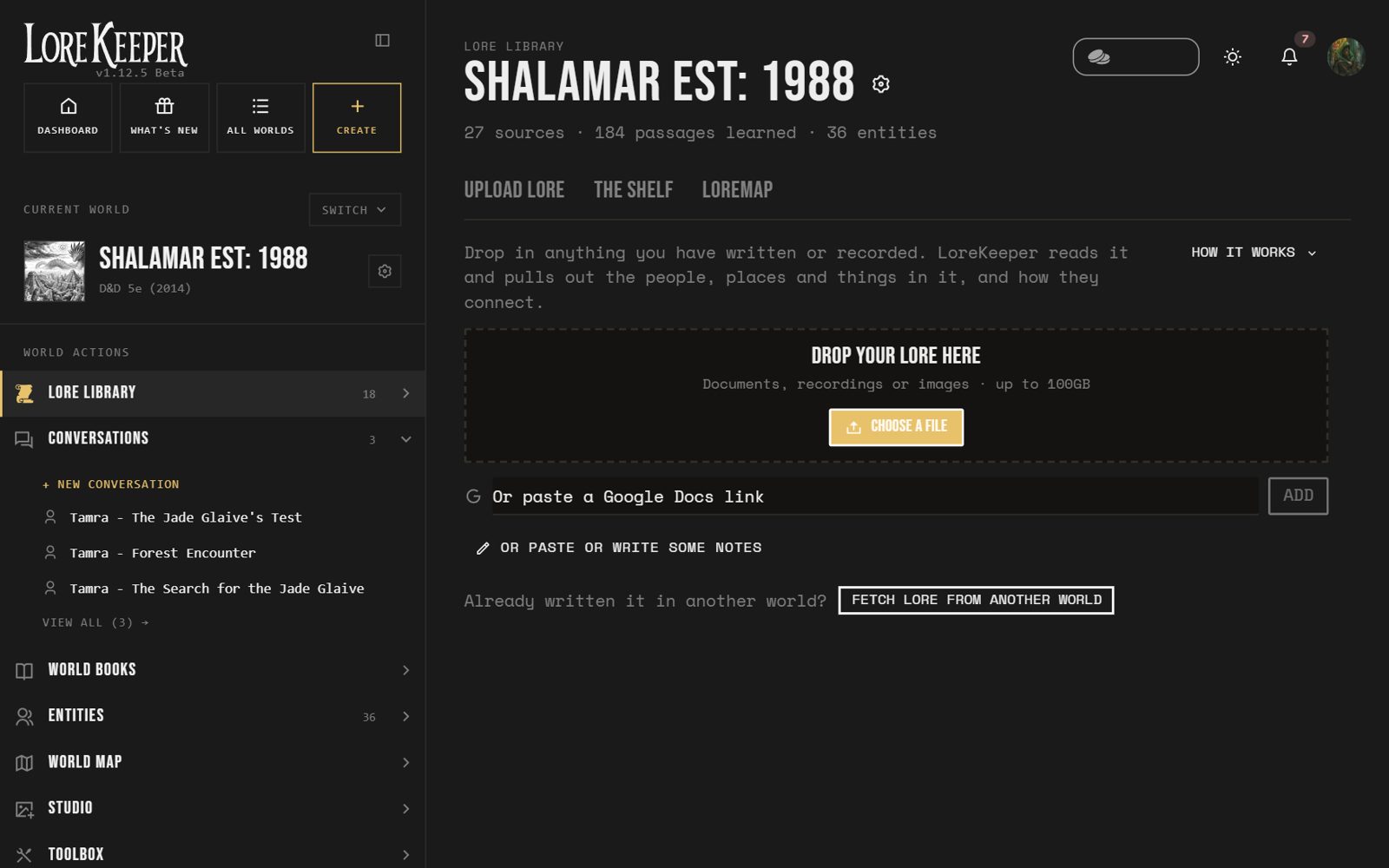
Upload your lore
Drop in anything you have written or recorded. LoreKeeper reads it all and learns your world.
PDFs, docs, notes, recordings and images
Paste a Google Docs link or just type
Kept on a shelf you can sort into folders
chat.lorekeeper.com
Step 03
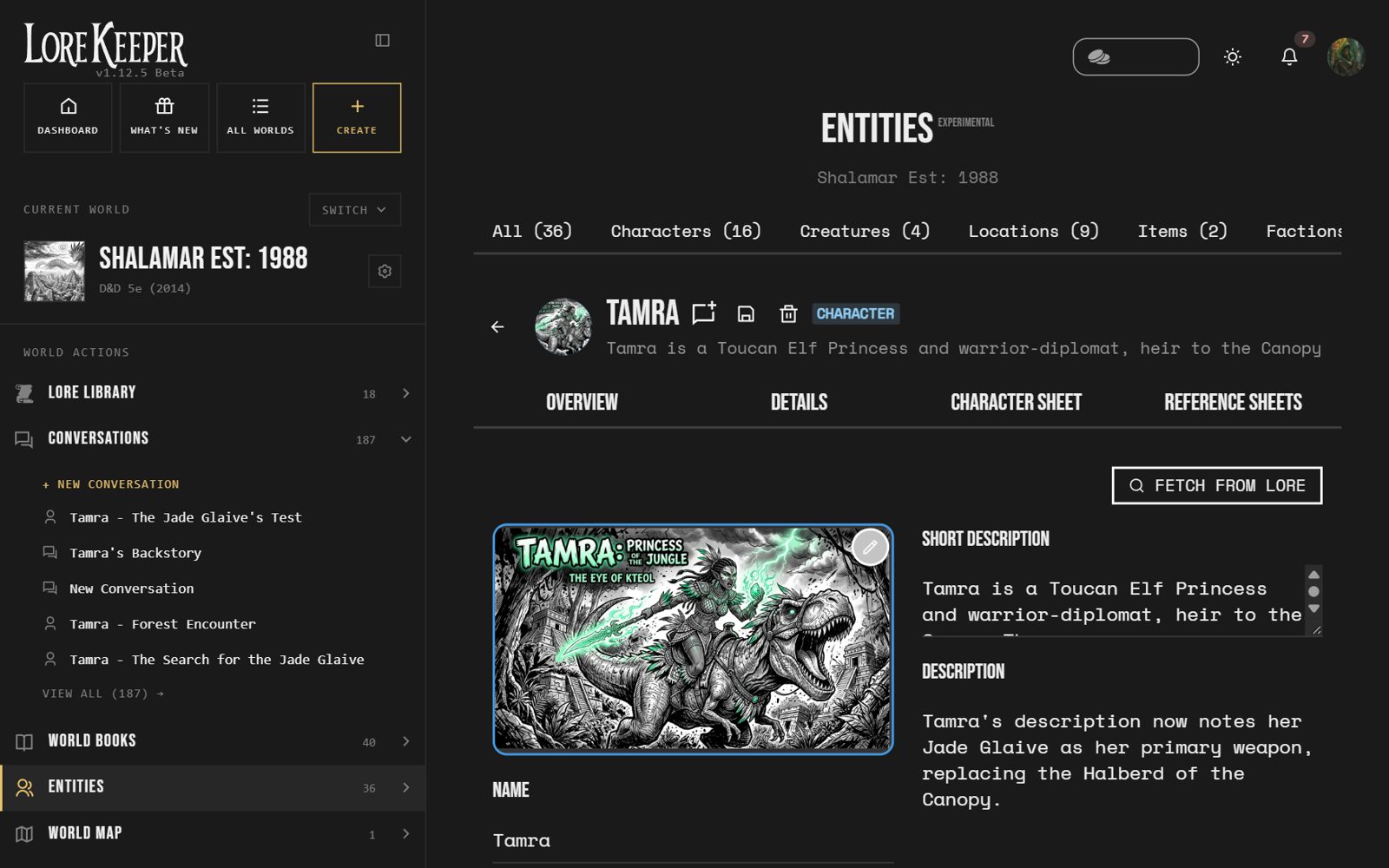
Meet your entities
Every character, creature, place, item and faction in your lore becomes an entity with its own page: portrait, description and character sheet.
Pulled out of your lore automatically, or made by hand
Portraits and character sheets for every one
Talk to any of them, in character
Step 04
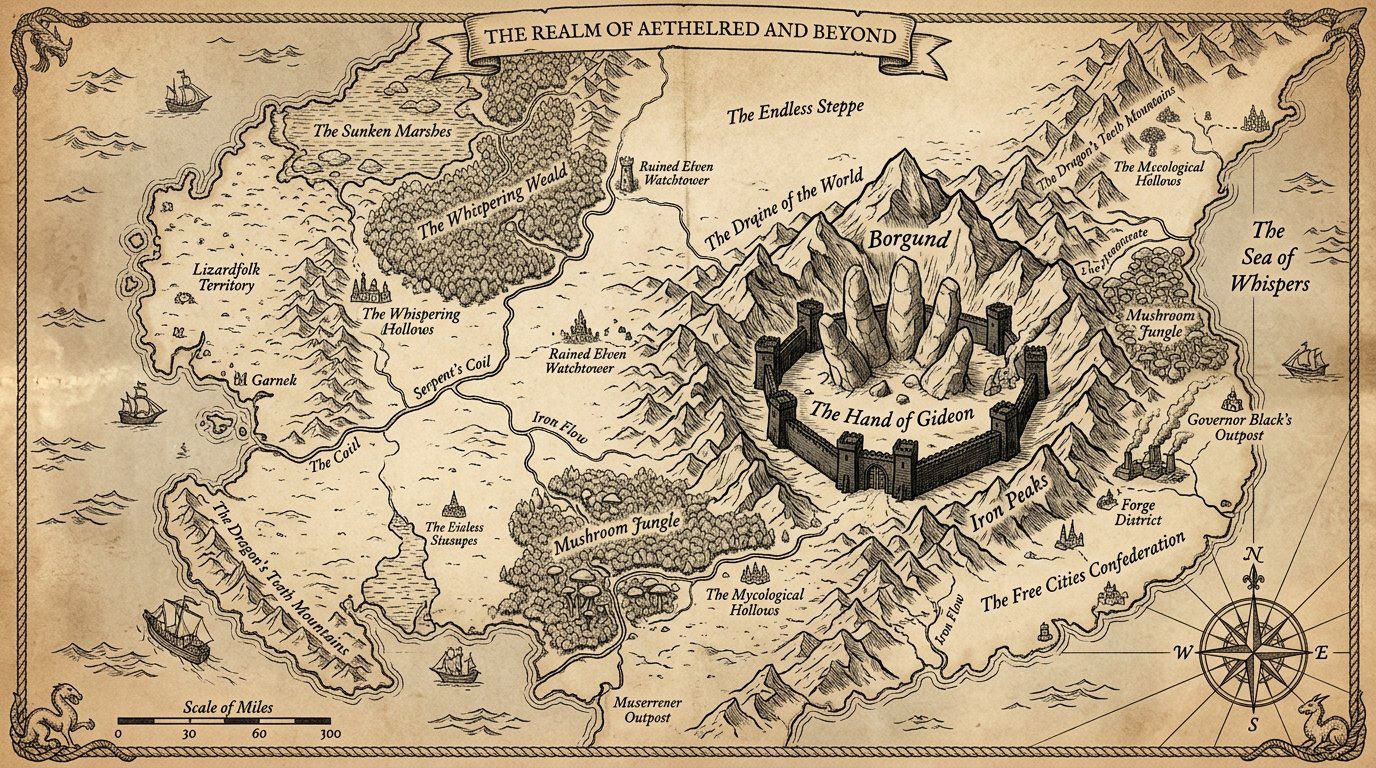
Map your world
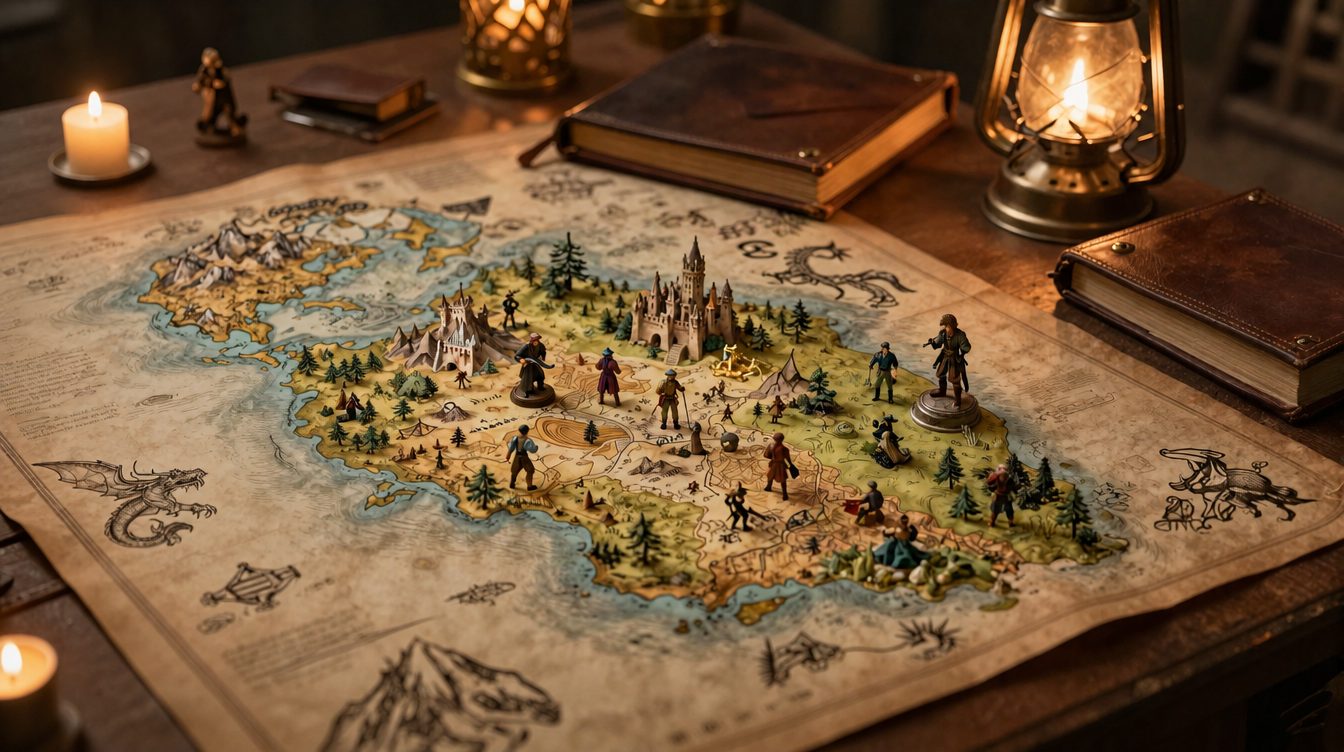
Generate a map in your world’s style, then pin your entities to it. Click a pin to open who or what lives there.
Maps drawn from your lore and your art style
Place entities and notes anywhere on the map
As many maps as your world needs
chat.lorekeeper.com
Step 05
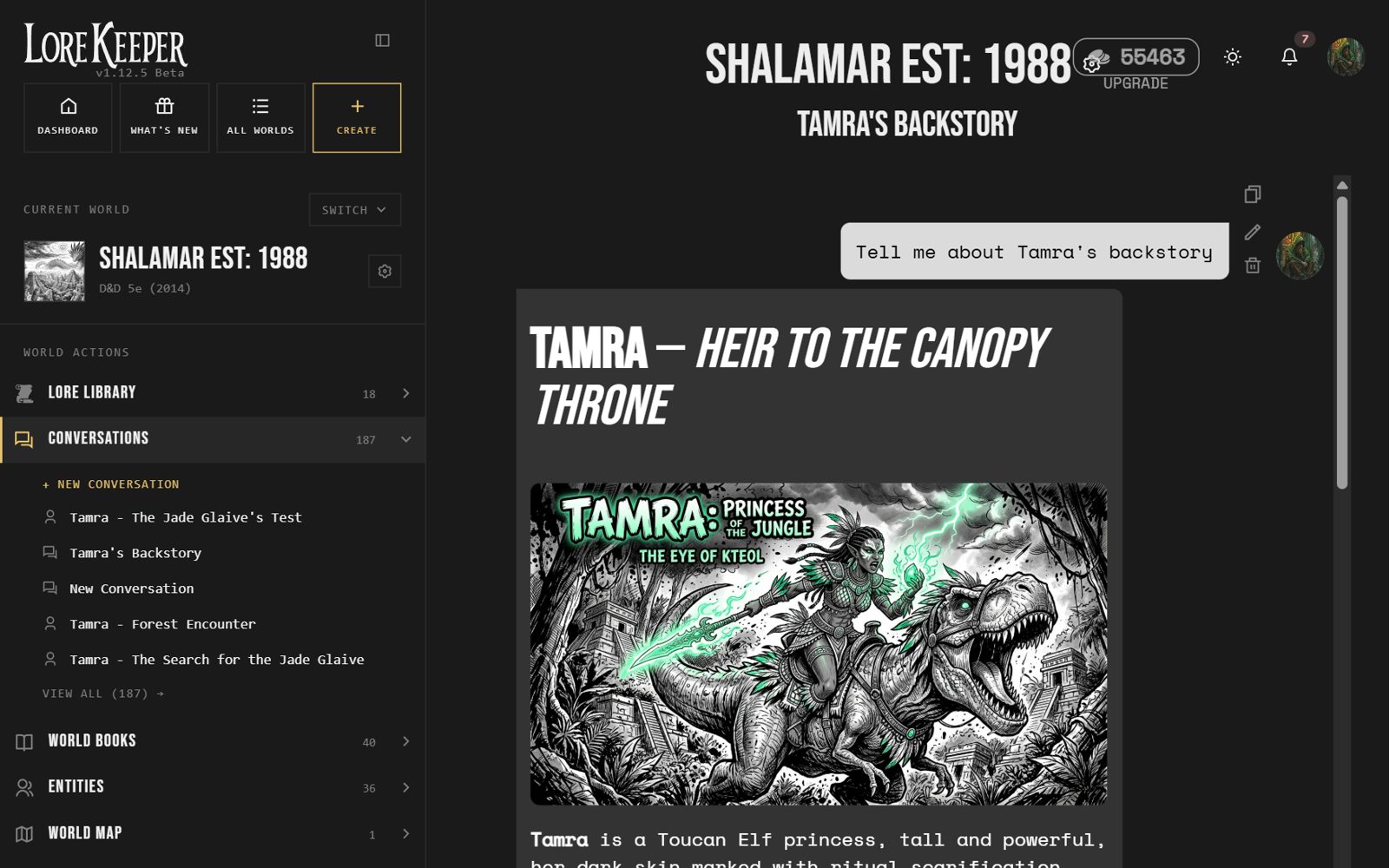
Talk to your world
Ask anything about your world, brainstorm, or run a scene. Every answer is grounded in your lore, with pictures when it helps.
Your lore and entities are in every reply
Images appear right in the conversation
Read aloud, or talk back by voice
Step 06
Bring it to life
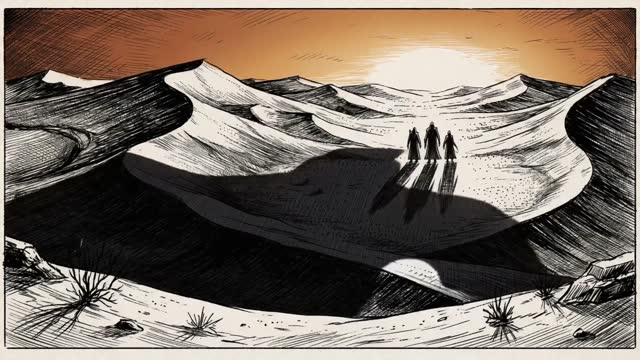
Studio turns your world into art, cutscenes and sound: images in your style, short films from a line of text, effects for the table.
Images and cutscenes in your world’s look
Sound effects and ambience
Free generators for characters, monsters, maps and names
A SOURCEBOOK
Shalamar est. 1988
CONTENTS
1. The Nine Gods of Shalamar
12
2. The Xotons
24
3. The Toucan Elves
36
4. Adventure Hooks
48
Step 07
Write the book
Turn your world into a sourcebook. Chapters are planned from your lore; you edit and approve, then print it or share it.
Chapters planned from your lore
Edit every chapter before it is written
Cover and contents included, ready to share
Good to know
Free to start
No credit card. Create a world and start straight away.
Any game system
D&D, Pathfinder, Call of Cthulhu, homebrew. LoreKeeper adapts to your rules.
Share with players
A share link lets your party browse your world lore, read-only.
Free generators
Characters, monsters, maps and names, with no account needed.
Your world, ready tonight
Create a free account and have your first world running in under a minute.